Base64 Encoding for Images in CSS: A Practical Guide
Base64 encode image for CSS — inline images in stylesheets, data URIs explained, when it helps and when it hurts performance, with real CSS and JS examples.
You’re working on a component that needs a small icon or background image. You could reference it with a URL, but that means an extra HTTP request. If the image is small enough, you can inline it directly in the CSS as a Base64-encoded data URI — no request, no latency, no dependency on an image file path. It’s a common optimization for small, frequently-used images, and it comes built into every browser.
This guide covers how Base64 image encoding in CSS works, when it helps performance, when it hurts it, and how to do it in practice — whether you’re encoding a single icon or automating it across a build pipeline.
TL;DR: Upload or paste your image into GoGood.dev Image to Base64 to get a ready-to-paste CSS
background-imagedata URI. For SVGs, you can often skip Base64 and use URL-encoded SVG directly in CSS.
What Base64 image encoding in CSS is
A CSS background-image normally references an external file:
.icon-search {
  background-image: url('/images/search.png');
  width: 24px;
  height: 24px;
}
With a data URI, the image content is embedded directly in the CSS as a Base64-encoded string:
.icon-search {
  background-image: url('data:image/png;base64,iVBORw0KGgoAAAANSUhEUgAAABgAAAAYCAYAAADgdz34...');
  width: 24px;
  height: 24px;
}
The browser decodes the Base64 string and renders the image without making an HTTP request. The image travels with the stylesheet instead of being fetched separately.
The same approach works for <img> src attributes in HTML:
<img src="data:image/png;base64,iVBORw0KGgoAAAA..." alt="Search icon" />And for CSS content property (for pseudo-elements):
.icon-search::before {
  content: url('data:image/svg+xml;base64,PHN2ZyB4bWxucz0i...');
}
How to Base64 encode an image for CSS
Online tool
Upload the image to GoGood.dev Image to Base64 and get the formatted output immediately:
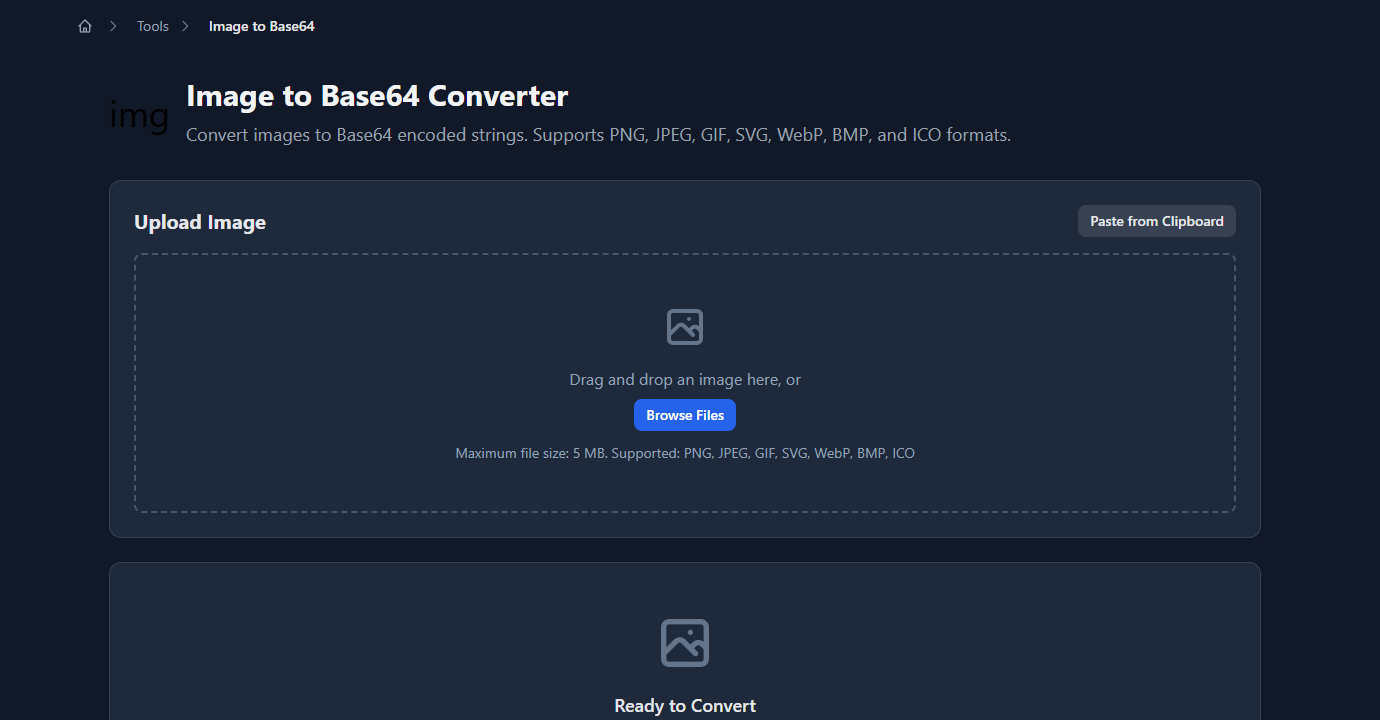
The tool outputs multiple ready-to-use formats — Data URI, Raw Base64, CSS background-image property, and complete HTML <img> tag:
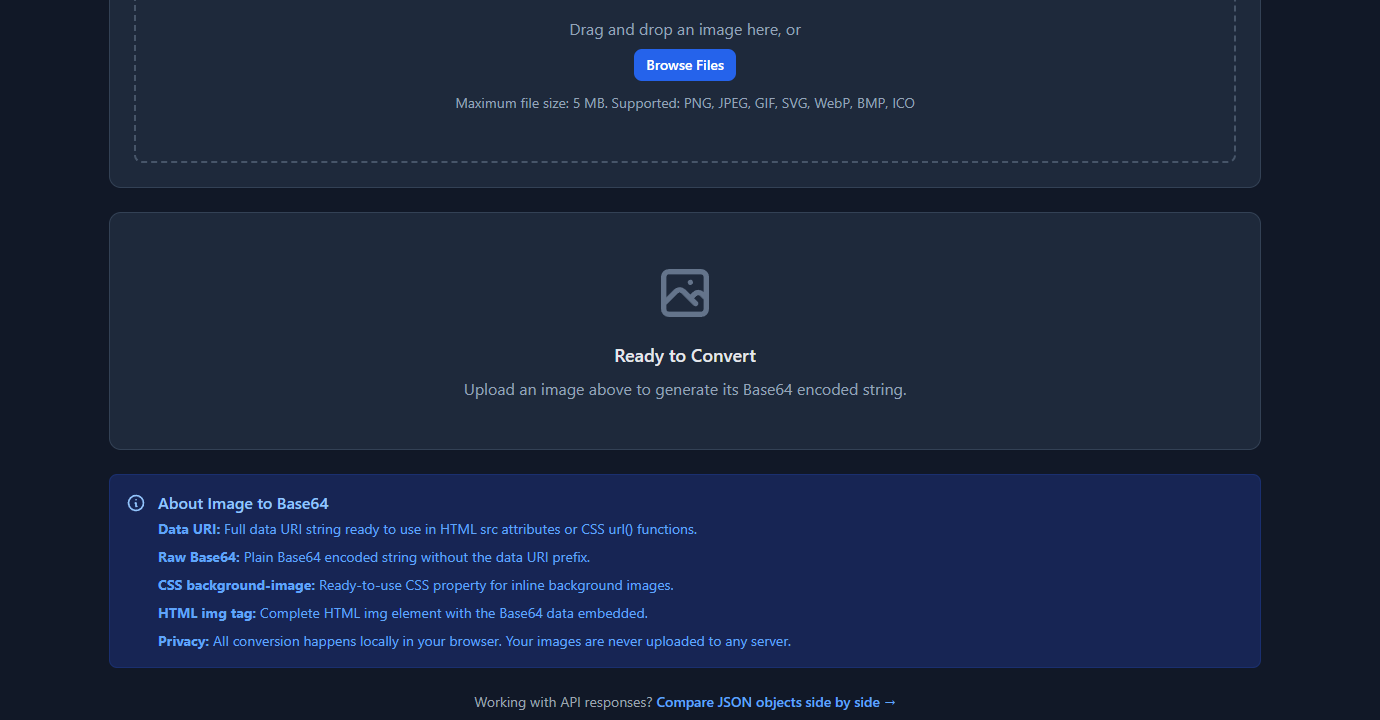
Copy the CSS background-image line directly into your stylesheet. No extra formatting required.
Command line
# Base64 encode an image file
base64 icon.png | tr -d '\n'  # macOS/Linux — removes newlines

# Full data URI string
echo "data:image/png;base64,$(base64 icon.png | tr -d '\n')"

# For SVG files
base64 icon.svg | tr -d '\n'
echo "data:image/svg+xml;base64,$(base64 icon.svg | tr -d '\n')"

# Windows PowerShell
[Convert]::ToBase64String([System.IO.File]::ReadAllBytes("icon.png"))
JavaScript / Node.js
const fs = require('fs');

// Read image and encode to Base64
function imageToDataUri(filePath, mimeType) {
  const imageData = fs.readFileSync(filePath);
  const base64 = imageData.toString('base64');
  return `data:${mimeType};base64,${base64}`;
}

const cssValue = imageToDataUri('./icons/search.png', 'image/png');
console.log(`background-image: url('${cssValue}');`);
In a browser:
// Convert a File object to data URI (e.g. from <input type="file">)
function fileToDataUri(file) {
  return new Promise((resolve, reject) => {
    const reader = new FileReader();
    reader.onload = () => resolve(reader.result);
    reader.onerror = reject;
    reader.readAsDataURL(file);
  });
}

// Usage
const input = document.querySelector('input[type="file"]');
input.addEventListener('change', async (e) => {
  const dataUri = await fileToDataUri(e.target.files[0]);
  document.querySelector('.preview').style.backgroundImage = `url('${dataUri}')`;
});
Python
import base64
import mimetypes

def image_to_data_uri(file_path: str) -> str:
    mime_type, _ = mimetypes.guess_type(file_path)
    with open(file_path, 'rb') as f:
        encoded = base64.b64encode(f.read()).decode('utf-8')
    return f"data:{mime_type};base64,{encoded}"

css_value = image_to_data_uri('icons/search.png')
print(f"background-image: url('{css_value}');")
SVG: skip Base64, use URL encoding instead
For SVG files specifically, you don’t need Base64. URL-encoded SVG is shorter and more readable, and browsers handle it natively:
/* Base64 SVG — works but larger */
.icon {
  background-image: url('data:image/svg+xml;base64,PHN2ZyB4bWxucz0iaHR0cDovL3d3dy53My5vcmcvMjAwMC9zdmciIHdpZHRoPSIyNCIgaGVpZ2h0PSIyNCI+PGNpcmNsZSBjeD0iMTIiIGN5PSIxMiIgcj0iMTAiIGZpbGw9IiM0QTkwRTIiLz48L3N2Zz4=');
}

/* URL-encoded SVG — shorter, no Base64 needed */
.icon {
  background-image: url("data:image/svg+xml,%3Csvg xmlns='http://www.w3.org/2000/svg' width='24' height='24'%3E%3Ccircle cx='12' cy='12' r='10' fill='%234A90E2'/%3E%3C/svg%3E");
}
The URL-encoded version replaces < with %3C, > with %3E, # with %23, and " with '. The result is a smaller string than Base64 because SVG is text-based and compresses well with URL encoding.
For automation, generate URL-encoded SVGs programmatically:
function svgToDataUri(svgString) {
  const encoded = encodeURIComponent(svgString)
    .replace(/'/g, '%27')
    .replace(/"/g, '%22');
  return `data:image/svg+xml,${encoded}`;
}

const svg = `<svg xmlns="http://www.w3.org/2000/svg" width="24" height="24">
  <circle cx="12" cy="12" r="10" fill="#4A90E2"/>
</svg>`;

console.log(`background-image: url("${svgToDataUri(svg)}");`);
When to use Base64 images in CSS
Good use cases:
- Small icons (< 2–3 KB): Loading a 500-byte icon as a separate file has disproportionate overhead — the HTTP request itself is larger than the image. Inlining small icons eliminates the request entirely.
- Critical above-the-fold images: If an image must appear immediately without any render-blocking delay, inlining it in the CSS or HTML avoids waiting for the image request to complete.
- Single-use background images in component libraries: When a component bundles its own visual assets, a data URI makes the component self-contained with no external file dependencies.
- Favicons and loading spinners: Small, frequently-referenced images that appear on every page and benefit from being cached with the stylesheet.
When not to use it:
- Large images (> 5–10 KB): Base64 increases binary file size by ~33% (every 3 bytes becomes 4 characters). A 100KB image becomes 133KB in Base64. The size penalty outweighs the request savings.
- Images reused across many pages: A separate image file is cached by the browser after the first request. An inlined data URI is re-parsed on every page that loads the stylesheet — you lose caching benefits.
- Images that change: Every time the image changes, the stylesheet changes, invalidating the CSS cache. For static images, this isn’t a problem. For frequently-updated images, it is.
- Critical rendering path stylesheets: Inlining large images bloats the stylesheet, delaying the first render. The CSS blocks rendering until it’s fully downloaded and parsed.
Automating Base64 encoding in a build pipeline
For production use, automate the conversion rather than manually pasting data URIs.
Webpack / webpack-based tools (Vite, CRA):
// webpack.config.js — inline images under a size threshold
module.exports = {
  module: {
    rules: [
      {
        test: /\.(png|jpg|gif|svg)$/i,
        type: 'asset',
        parser: {
          dataUrlCondition: {
            maxSize: 4 * 1024  // inline images < 4KB as Base64
          }
        }
      }
    ]
  }
};
Vite (vite.config.js):
export default {
  build: {
    assetsInlineLimit: 4096  // inline assets < 4KB (default)
  }
};
PostCSS plugin (postcss-inline-svg or postcss-url):
/* In your CSS source */
.icon {
  background-image: url('./icons/search.svg');  /* SVG file reference */
}
// postcss.config.js
module.exports = {
plugins: [
require('postcss-url')({ url: 'inline', maxSize: 4 })
]
};PostCSS processes the CSS and replaces matching url() references with inline data URIs at build time.
Common problems
“The data URI works in Chrome but not in IE11”
IE11 limits data URIs to 32KB. If your encoded image exceeds this, use an external file instead for IE compatibility.
“My Base64 string has newlines and the CSS breaks”
Some Base64 encoders insert line breaks every 76 characters (per MIME standard). CSS url() doesn’t support newlines in the string. Strip all whitespace and newlines from the Base64 string before embedding: base64encoded.replace(/\s/g, '').
“The image looks blurry on retina displays”
A 24×24 PNG displayed at 24×24 CSS pixels looks blurry on 2× displays. Use SVG instead — it scales infinitely without pixel scaling. Or provide a background-image at 2× size with background-size: 24px 24px.
“The stylesheet is enormous after adding images”
This is the expected tradeoff. Audit which images are worth inlining — only small, critical images benefit. Move anything over ~3KB back to external files.
FAQ
What image formats can be used as Base64 data URIs in CSS?
Any image format the browser supports: PNG, JPEG, GIF, SVG, WebP, AVIF. The MIME type in the data URI must match the format: data:image/png;base64,..., data:image/svg+xml;base64,..., data:image/webp;base64,.... SVG also works without Base64 using data:image/svg+xml,... with URL encoding.
How much does Base64 encoding increase file size?
Approximately 33%. Base64 encodes every 3 bytes as 4 ASCII characters (a 4:3 ratio). A 1,000-byte PNG becomes roughly 1,333 characters as Base64. For small icons this is acceptable; for large images it’s a significant penalty.
Is it safe to use data URIs for sensitive images?
Data URIs are just encoded binary data — they provide no security. Anyone who can view the CSS can decode the Base64 string and recover the original image. Don’t use data URIs as a way to “hide” images.
Can I use Base64 images in inline styles?
Yes. <div style="background-image: url('data:image/png;base64,...')"> works the same as a stylesheet reference. It’s useful for dynamic images generated client-side (e.g., charts, canvas exports, file upload previews).
Base64 image encoding in CSS is a targeted optimization — effective for small, critical images and counterproductive for large or frequently-changing ones. The 3KB threshold is a useful rule of thumb: below it, inline; above it, use an external file. For SVGs specifically, URL encoding produces smaller output than Base64 and is worth using by default.
For more on the Base64 format: Base64 Encode and Decode Explained for Developers covers how the encoding works and when it’s used beyond images, and When to Use Base64 (and When Not To) covers the full decision framework across all Base64 use cases.